
Expertise technical

Webhook of SMS Delivery Status That Doesn't Activate: Debugging Guide

Webhook status sms delivery does not work: real causes, method of diagnosis and concrete solutions for the Moroccan market.

Webhook of SMS Delivery Status That Doesn't Activate: Debugging Guide
Table of Contents
  1. You have developed an application [Laravel](/fr/blog/sms-laravel-maroc/) or Node.js that triggers sending SMS. Sending works perfectly, the API returns a success (HTTP `200`). You are now waiting for the callback (the webhook) of delivery status (DLR) to update your database and tell the user that the SMS has been well received.
  2. How a Webhook DLR works
  3. The 5 Most Common Configuration Mistakes
  4. Test your endpoint with ngrok or webhook.site
  5. Retry and Fallback Strategy

You have developed an application [Laravel](/fr/blog/sms-laravel-maroc/) or Node.js that triggers sending SMS. Sending works perfectly, the API returns a success (HTTP `200`). You are now waiting for the callback (the webhook) of delivery status (DLR) to update your database and tell the user that the SMS has been well received.

Your endpoint remains silent, your tables are not updated.

This is a typical configuration problem in event architectures. Here’s how to debug a DLR (Delivery Report) webhook that doesn’t trigger.
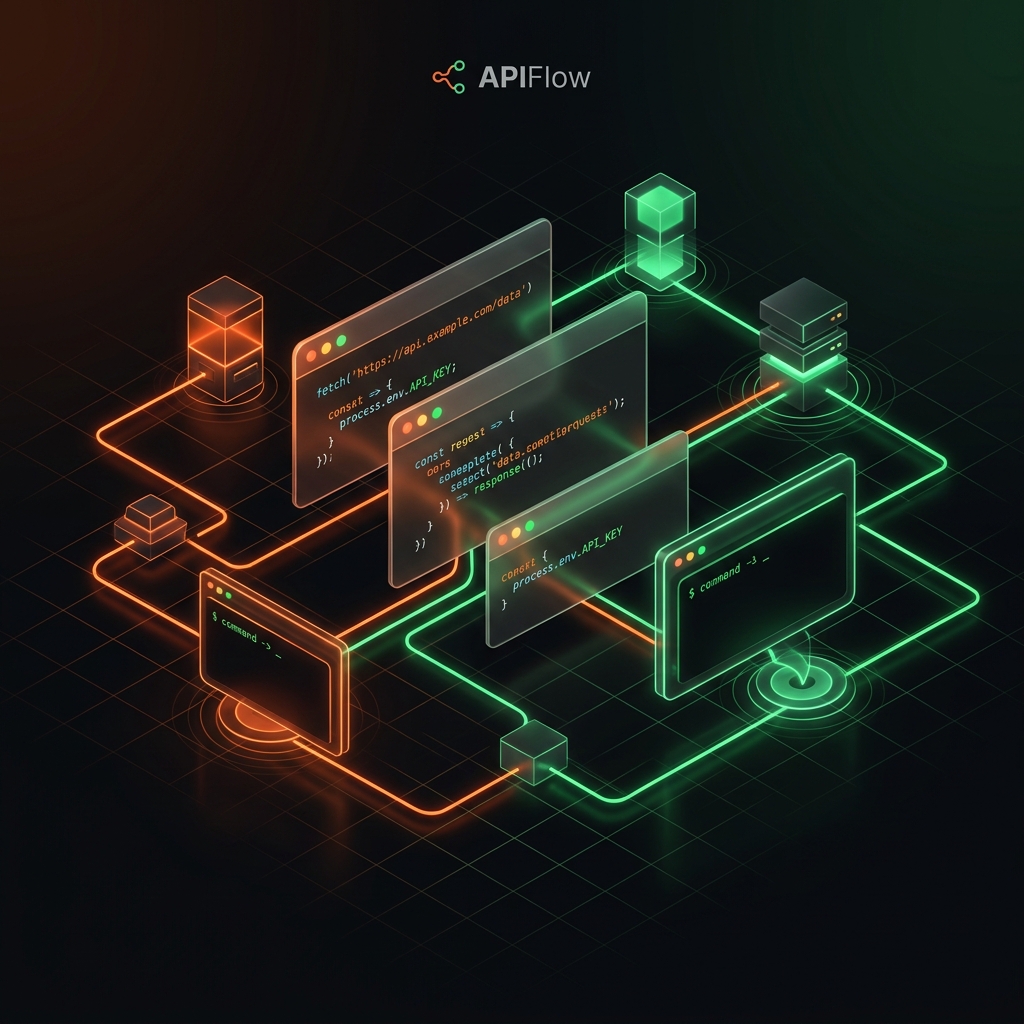

How a Webhook DLR works

When you send a SMS via an API, the operation is asynchronous. The API takes the message, gives you a message_id and then transmits it to the operators (Maroc Telecom, inwi, Orange). It is only when the target phone confirms receipt that the operator notifies the gateway, which in turn sends a HTTP POST request to the URL you provided it (your Webhook).

If you do not receive anything, the communication disruption can be located at three levels.

The 5 Most Common Configuration Mistakes

Your URL is not publicly accessible If you are developing locally (http://localhost:8000/api/sms/webhook), the SMS gateway server cannot access it. You must use a tool like Ngrok to temporarily expose your local port to the internet.

If your application is in production, make sure that your server firewall (or Cloudflare) does not block incoming requests (POST) from the SMS provider’s IP addresses. Check your WAF (Web Application Firewall) logs for any ‘403 Forbidden’ rejection.

3. CSRF Protection enabled on the endpoint This is the number 1 error with Laravel. By default, Laravel protects all POST requests with a CSRF token (Cross-Site Request Forgery). Since the SMS provider’s webhook does not have this token, Laravel rejects the query with an error 419 Page Expired. Solution: Add the URL of your webhook in the middleware exceptions VerifyCsrfToken (or place the endpoint in routes/api.php instead of `routes/web.php').

4. Too short timeout or blocking script If your webhook takes too long to answer because it performs complex queries in the database or calls other external services, the SMS provider may consider that the call has failed (Timeout) after 3 or 5 seconds. Your webhook must always return a HTTP code 200 as quickly as possible, before even processing the information.

Make sure that the webhook URL is well informed, either globally in your provider’s dashboard or dynamically in the POST request payload for sending SMS (often via a callback_url or notify_url setting).

Test your endpoint with ngrok or webhook.site

To isolate the problem, the fastest method is to use webhook.site. 1. Generate a temporary URL on webhook.site. 2. Configure this URL as a receiving webhook with your SMS provider. 3. Send a test SMS. 4. If you receive the payload on webhook.site, the provider does its job well: the problem comes from your code, your firewall or your routing. 5. If nothing happens on webhook.site, the problem comes from the provider-side configuration (uninformed URL, webhooks disabled on the account, or SMS never returned to the operator).

Retry and Fallback Strategy

Even with a perfect configuration, a webhook can fail (network break, restart of your server). Check your provider's Retry Policy: how many times will the webhook be returned in case of '500' error?

For critical applications (banking, transactional OTP), do not rely only on webhooks. Implement a fallback mechanism in polling (regular query): if after 5 minutes you still do not receive a status for a message_id in Pending, trigger a Cron Job (scheduled task) that will manually query the API (e.g. `GET /v1/messages/{message_id}') to recover the final status with certainty.

php
// Exemple de code fonctionnel et asynchrone (Laravel minimal)
Route::post('/api/webhooks/sms', function (Request $request) {
    // 1. On stocke le statut dans une file d'attente pour traitement asynchrone
    ProcessSmsDeliveryReport::dispatch($request->all());

    // 2. On répond TOUT DE SUITE avec un code 200 pour éviter le timeout
    return response()->json(['status' => 'received'], 200);
});

Why choose EnvoiSMS for your business?

Carrier Delivery

Local routes to IAM, Orange and Inwi, with automatic failover between routes and delivery status sent by webhook.

Cost Optimization

WhatsApp Business API from 0.65 MAD per message with optimal ROI.

Sovereign Data (CNDP)

Full compliance with Moroccan personal data protection regulations (CNDP).

What is the routing latency on the IAM, Inwi and Orange networks?
We use local routes to Maroc Telecom (IAM), Orange and inwi, with automatic failover between routes. Median time to carrier confirmation: 46–58 s (measured in September 2026).
How does the platform manage the format of Moroccan numbers?
EnvoiSMS automatically normalizes the numbers entered (06..., 07..., 00212...) to the E.164 standard (+212) to avoid delivery failures caused by formatting.

Suggested Articles

SMS Formatting in Morocco: Line Breaks, GSM-7 vs UCS-2 Encoding and Cost Optimization
technical

SMS Formatting in Morocco: Line Breaks, GSM-7 vs UCS-2 Encoding and Cost Optimization

WhatsApp Business Formatting in Morocco: Enriched Text, Emojis and Interactive Buttons
technical

WhatsApp Business Formatting in Morocco: Enriched Text, Emojis and Interactive Buttons

One-Tap Autofill & 1-Click WhatsApp OTP Authentication in Morocco
technical

One-Tap Autofill & 1-Click WhatsApp OTP Authentication in Morocco