Revolutionizing Customer Engagement in Morocco with WhatsApp Interactivity
With more than 80% adoption rate in Morocco, WhatsApp has established itself as the preferred communication channel for Moroccans. But for businesses, sending simple text messages is no longer enough. The introduction of Interactive Buttons is transforming transactional and marketing communication. Whether it's copying a security code in one click or opening an order tracking link instantly without friction, interactive buttons boost click-through rates (CTR) by more than 40% compared to links inserted in traditional SMS messages.
The 3 Types of Key Buttons in the WhatsApp Business API
Our unified API now includes native management of three types of interactive buttons, adapted to all your operational needs:
• Copy Buttons (Copy Code): Specially designed for OTP. The user copies the verification code to their clipboard with a single tap.
• URL Action Buttons (Call-to-Action): Open a web link in the browser. Unlike plain text messages where links are inactive if the recipient hasn't saved your number, URL buttons remain clickable immediately.
• Call Buttons: Allow you to initiate a phone call to your customer service or support with a simple press.
Implementing the /v1/messages API with Custom Buttons
To send messages containing custom interactive buttons, developers can use the "buttons" parameter in the API call. Here are typical examples for your software integrations.
OTP validation and Automatic “Copy code” button
For two-factor authentication (2FA) use cases, the /v1/verify/send API has been enriched. Now, any submission of validation code in the WhatsApp channel automatically generates and injects the "Copy Code" button seamlessly, without you having to modify your existing request structures. You can also customize the button label (eg: "Copy Code") by passing the optional parameter "otp_button_text". This eliminates any authentication friction for the Moroccan user.
Marketing ROI: Boost the conversion of your campaigns in Morocco
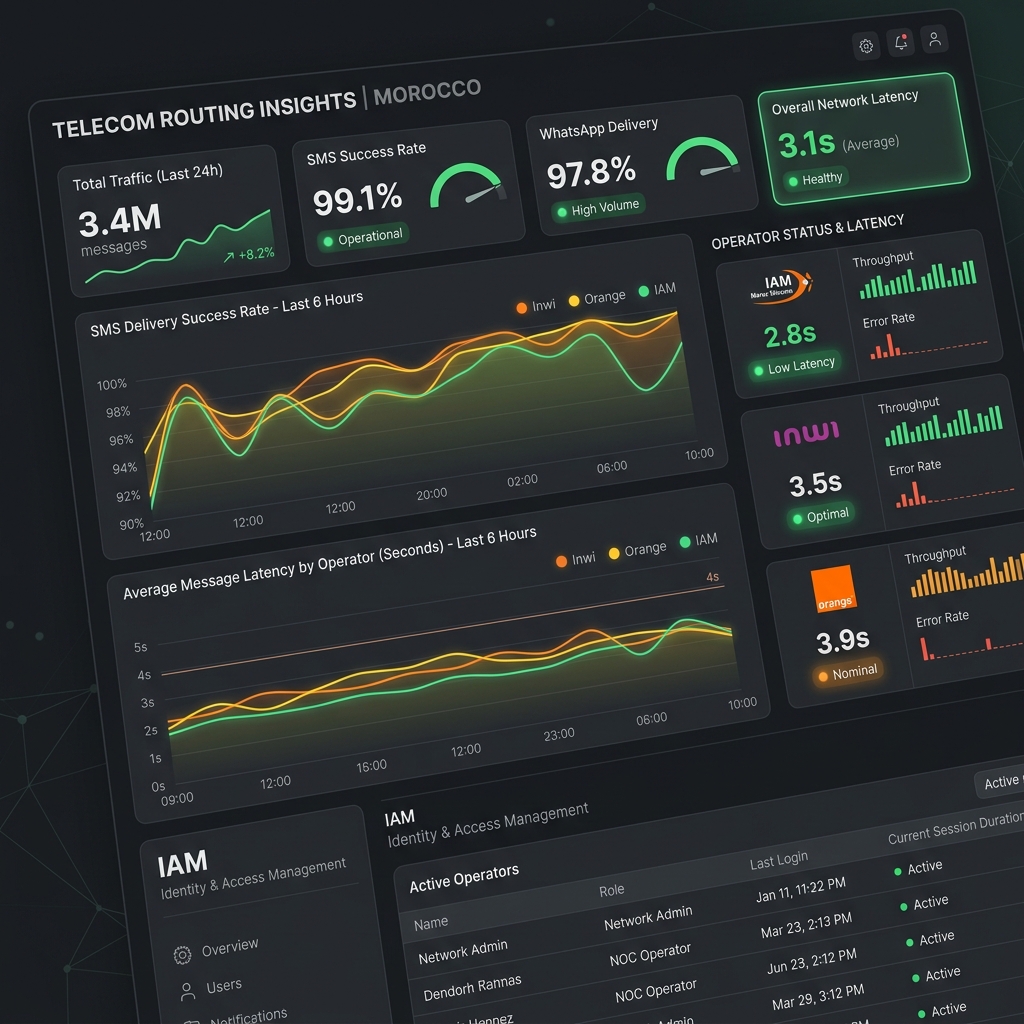
For your direct marketing campaigns, the interactivity of the buttons allows you to establish a frictionless direct sales funnel. Integrated directly into your mass campaign feeds, the buttons redirect your subscribers instantly to your WooCommerce or Shopify stores, or to dedicated support lines. The API tracks delivery in real-time via webhooks, allowing you to instantly compare the profitability of your traditional SMS campaigns against the new interactive WhatsApp Business routes.
Frequently asked questions
Do interactive WhatsApp buttons require model validation by Meta?
Dynamic buttons sent through our gateway's interactive API do not require prior template approval from Meta when integrated into an active 24-hour customer service session.
What is the limit of buttons allowed per message?
As per the WhatsApp API technical specifications, each message can have a maximum of 3 interactive buttons.
Is the length of text displayed on a button limited?
Yes, the text of each button (label) must not exceed 25 characters to display correctly on all smartphones (Android and iOS).